Launch BOC, purchase licenses, authorize Office 365, and schedule training.
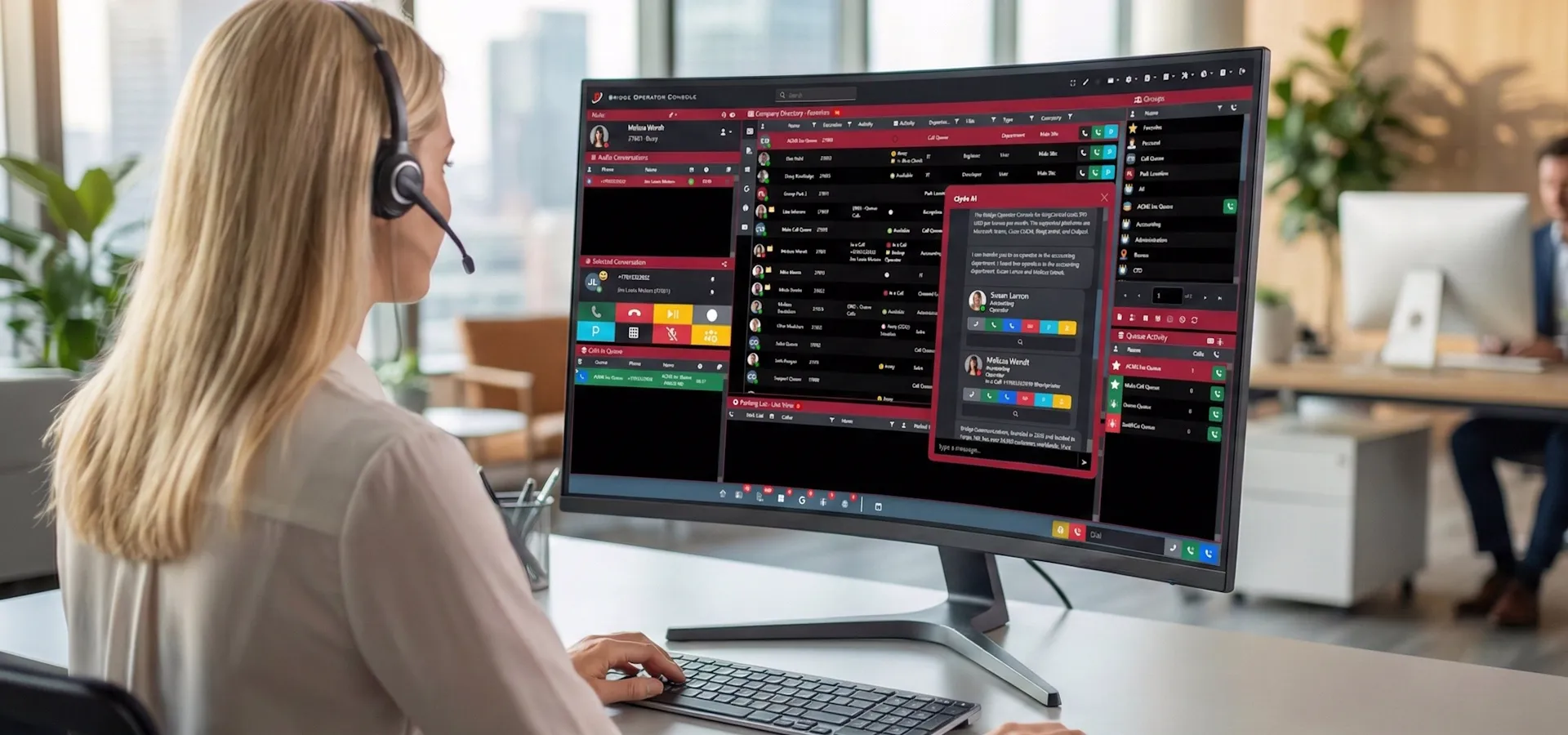
Bridge Operator Console
by Bridge Communications

Getting Started
Bridge Operator Console for RingCentral
Everything you need to launch, license, and get productive with Bridge Operator Console on the RingCentral platform.

Before You Begin
Ensure your RingCentral login is working and configured for digital line access. Also, ensure the user has the rights required to run 3rd party applications. A good test is to run the RingCentral or RingCentral phone app on your device.

Purchasing Licenses
Bridge Operator Console Licenses

Buy from Bridge Communications

Purchase licenses directly from Bridge Communications through our online portal.

Buy from Bridge

Buy from RingCentral Direct

Bridge Operator Console for RingCentral is also available for purchase from RingCentral directly. This simplifies billing and ordering for many customers.

Buy from RingCentral

Free Add-in
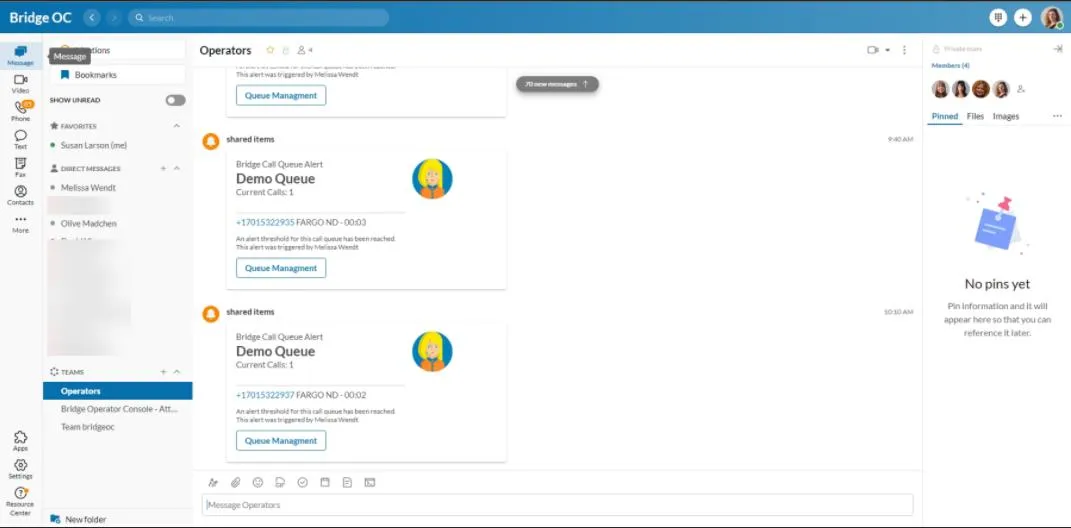
Bridge Call Queue Alert Add-in

Microsoft Integration
Authorize Microsoft Office 365
By authorizing the BOC app in your Microsoft Office 365 tenant, your users will have access to a number of additional features, from blinded schedule views, manager and direct reports visibility, to visibility of Microsoft Teams groups.

Presence & User Access

Grant BOC access to Microsoft presence status and user directory information.
Authorize Presence & Users

Calendar Access

Grant BOC access to Microsoft 365 calendar for schedule views and availability.

Authorize Calendar

Training & Resources
Get up and running quickly

Training Videos

Learn how to use the application quickly, and on your own schedule.

Watch Videos

Interactive Demo

Get a product demo from a Bridge Communications trainer, with a full questions and answers session.

Schedule Demo

Support
Schedule Technical Support
Stuck with a technical issue? No problem, use our engineers to get you going on the house.
Schedule Technical Support

Bridge Communications, LLC • 1830 52nd St S, Fargo, ND 58103